Layered PSDs, intact
Artboards, groups and masks open exactly as you made them.
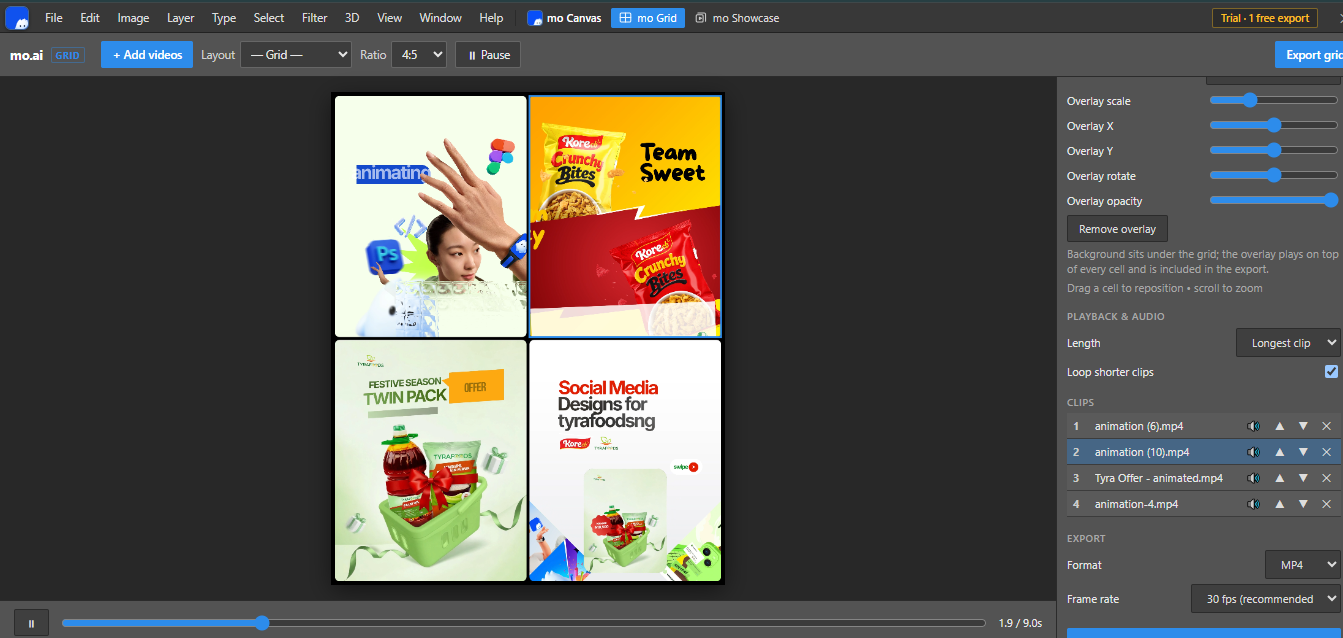
A motion studio for designers. Open a layered PSD, pick a preset and export video. No keyframes needed.
For Windows, Linux and Mac. Works offline. Files stay on your machine.
Works with your files
 Photoshop.psd
 Illustrator.ai
 Figmawith the plugin
 Pixellab.plp
 Affinityexport as PSD or SVG
Artboards, groups and masks open exactly as you made them.
199 moves, grouped by purpose and always tunable.
Exports on your own machine. Works offline.
Built for designers
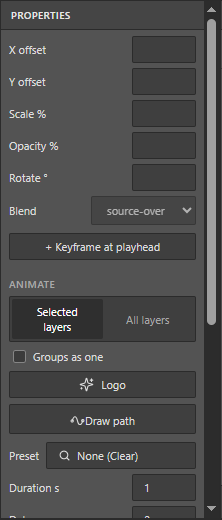
Groups animate as one unit, masks stay editable, and a drawn path becomes keyframes. The timeline is there when a preset isn't enough.
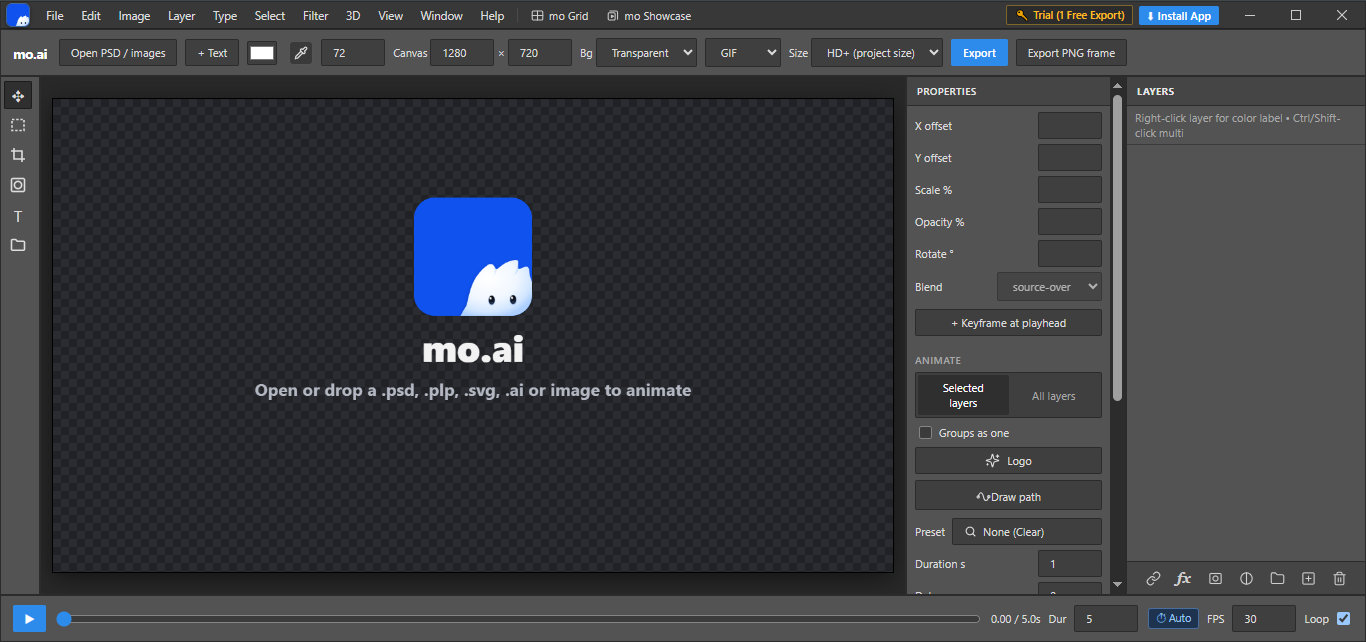
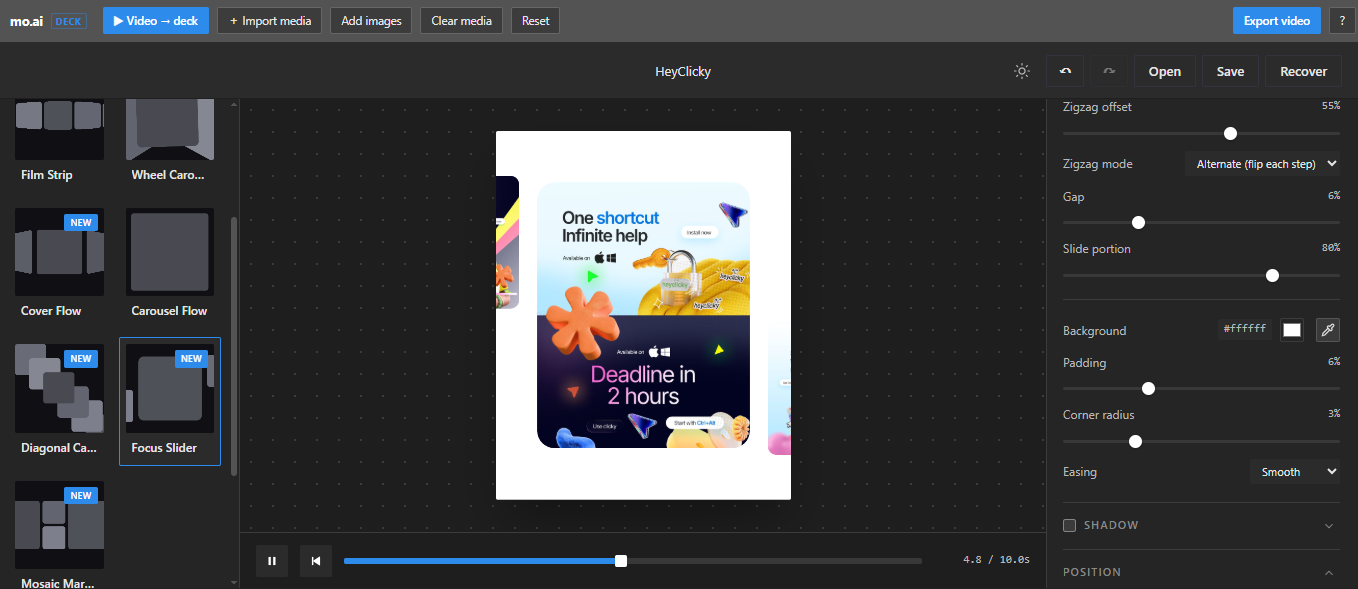
Switch studios without exporting. The same layers follow you.
The library
Physics entrances, kinetic type, living loops, stagger, camera moves, wipes. Each one opens with controls.
Tutorials
Three walkthroughs from the mo.ai channel.
All tutorials on YouTubeQuestions
Still stuck? There's a built-in walkthrough inside the app.
No. That's the point. Presets handle the animation, and the timeline is optional — it's there for the moments you want to take over. If you do know keyframes, everything stays editable.
Layered PSDs, including files with several artboards; multi-page AI files; SVGs; Affinity designs exported as PSD or SVG; Pixellab (.plp) files; and standard images like PNG and JPG. Figma frames come in through the mo.ai Figma plugin. Projects save as .moai, and deck projects as .motion. Both open by drag-and-drop.
Yes. The Windows and Linux apps work without a connection. On Mac, once mo.ai has loaded in your browser it keeps working offline. New versions arrive the next time you open it online.
Windows: unzip, open the START HERE folder, then double-click mo-ai.exe. Windows shows a warning the first time. The guide inside explains it in two minutes. Linux: install the webkit2gtk package, then run mo-ai.sh. Run install-linux.sh to add it to your menu. Mac: nothing to install. Open it in your browser.
Current Chrome and Edge give the best experience. Safari handles most of it, but canvas blur effects and some exports can look different. On phones and tablets the editor switches to a touch layout.
One licence, activated inside the app. It is tied to the computer you activate it on, so a Windows or web Product ID does not carry over to Linux. Your projects and assets stay on your machine — nothing is uploaded to a render server. To get a licence, message us on WhatsApp or email us.
Windows · Linux · Mac
Pick your system. Drop in a PSD and watch it move. About a minute, start to finish.
Includes a short guide for the one Windows warning you will see.
Download for WindowsNeeds the webkit2gtk package. Run install-linux.sh to add it to your menu.
Opens in your browser. Chrome or Edge give the best results.
Open mo.aiWant a licence, or have a question? Message us.
Opens layered PSD · AI · SVG · Affinity · Pixellab · Figma plugin · Images · .moai